Blog · Guides
Best Mac mini hosting providers: how to choose
There is no single best Mac mini hosting provider. Here are the criteria that matter, how common provider types compare, and a checklist you can use.
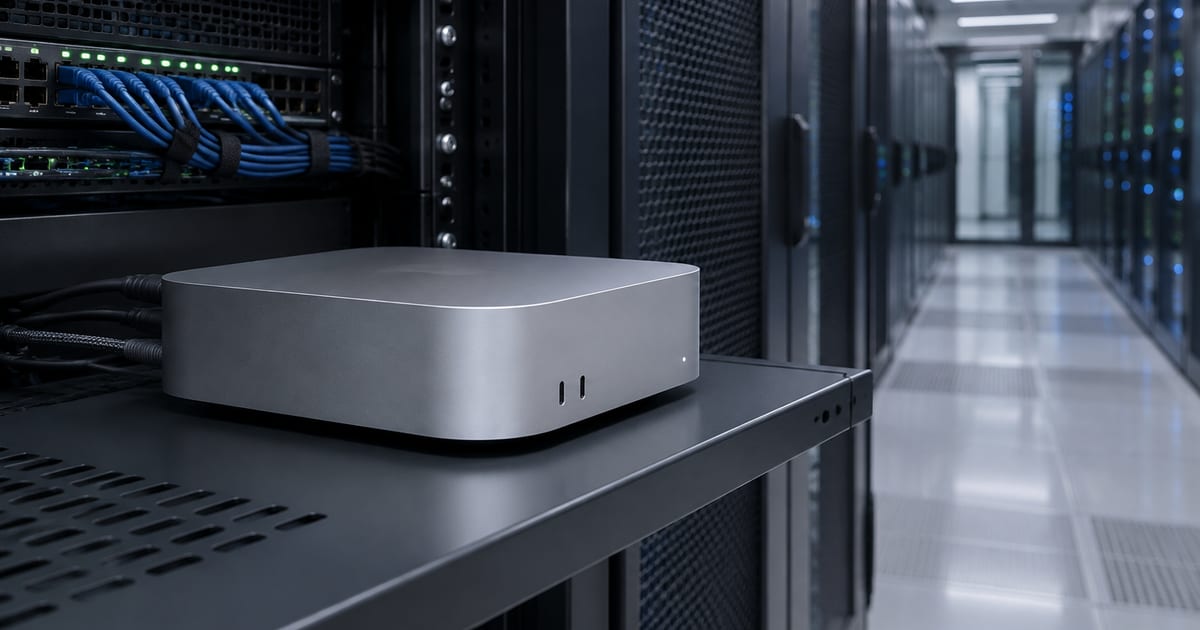
The best Mac mini hosting provider is the one whose model matches your workload. This guide sets out the criteria that matter, compares common provider types fairly, and ends with a checklist you can reuse.
Start with the workload, not the provider
Before comparing providers, write down what the Mac will actually do. The answer changes which criteria matter most.
- Burst CI jobs. A few hours of builds before a release. Billing granularity and minimum allocation periods dominate.
- Always-on build runners. A machine that sits in a pool every day. Monthly cost, stability and hardware generation dominate.
- Remote development desktop. A Mac you use interactively from a Windows or Linux laptop. Access methods and latency dominate.
- Local LLM inference or media work. Memory size and chip tier dominate. See our guide to memory for local LLMs on Apple silicon.
A provider that is excellent for one of these can be a poor fit for another. That is why "best" lists rarely help.
Dedicated physical Mac vs shared or virtual macOS
This is the most important distinction in Mac mini hosting. A dedicated Mac is a whole physical machine assigned to you. Nobody else runs jobs on its CPU, GPU or SSD. A virtual Mac is a macOS virtual machine running on Apple hardware, often alongside other guests.
Dedicated machines give predictable performance, full GPU and Metal access, and clean isolation. Virtual machines can be faster to provision and easier to reset, which suits ephemeral CI. Some plans are neither: shared-access plans give you a user account on a Mac that others also use. That can be fine for occasional testing, but it is not a server.
We cover this trade-off in detail in Cloud Mac vs Mac VPS. Whatever you choose, ask the provider directly which model you are buying.
Hardware generations offered
Apple silicon generations differ meaningfully in single-thread speed, GPU capability and supported memory. Xcode releases also raise minimum macOS versions over time, and new macOS versions eventually drop older hardware. Check:
- Which chips are available today, and whether newer ones are added when Apple ships them.
- Whether memory and storage can be configured, or only fixed starting configurations are offered.
- Whether Mac Studio class machines are available if you later need more memory. Our Mac mini vs Mac Studio comparison explains when that matters.
- Which macOS version the machine ships with, and whether you control upgrades.
Billing granularity and minimum terms
Apple's macOS licence allows a Mac to be leased to a single customer, with a minimum lease period of 24 hours. Providers build their billing around this in different ways. Some bill by the hour or second after a 24-hour minimum. Others bill monthly, with discounts for longer commitments.
Hourly billing suits short, spiky workloads. Monthly billing is usually cheaper for machines that run every day, and it is easier to forecast. Look closely at:
- The minimum allocation or commitment period.
- Whether discounts require upfront payment for a full term.
- Setup fees, data transfer charges and charges for extra storage.
- What happens at renewal: automatic renewal, reminders, and how far in advance you can cancel.
Our Mac mini hosting cost guide works through the arithmetic in more depth.
Access methods
A hosted Mac is only useful if you can reach it comfortably. SSH is essential for automation and CI. For interactive work you need a remote desktop, and quality varies widely. Ask which tools the provider supports, whether they configure them for you, and whether you can install your own. Our guide on how to access a remote Mac compares SSH, Screen Sharing and the common remote desktop apps.
Payment options and invoicing
For teams, payment logistics can decide the shortlist. Check which cards are accepted, whether PayPal or cryptocurrency is supported, which currency you are billed in, and whether invoices show the details your finance team needs. If you run many machines, ask whether you can hold account credit or get a combined quote.
Support
Hardware occasionally needs attention, and remote access occasionally breaks. Find out how you raise issues (tickets, email, chat), which languages support is offered in, and what is in scope. Some providers manage the operating system for you. Others hand you the machine and support only the hardware and network. Neither is wrong, but you should know which one you are buying.
Locations and latency
For CI, location matters little; a build runner polls your Git host and uploads artefacts. For remote desktop work, round-trip latency to the Mac is noticeable, so a machine closer to you feels more responsive. Some workloads also need a particular network origin. Ask providers which regions they offer and what IP arrangements are possible, and test latency before committing to a long term.
Contract flexibility and exit
Needs change. A team may scale from one runner to five, or move from a Mac mini to a Mac Studio. Check whether you can change machine or term at renewal, whether you can add machines mid-term, and how data is handled when you leave. Make sure you can export everything you need before the end date, because a returned machine is normally wiped.
Common provider types at a glance
The facts below are stable, widely known characteristics at the time of writing. Terms change, so check each provider's current documentation and pricing before deciding.
- AWS EC2 Mac instances. Macs are offered as instances on EC2 Dedicated Hosts, with a 24-hour minimum allocation period. A strong fit if your infrastructure already lives in AWS and you want Mac capacity managed alongside it.
- MacStadium. A long-established Mac hosting company offering dedicated Mac hardware and, separately, its own virtualisation and orchestration platform for macOS. Often considered by larger teams with enterprise requirements.
- Scaleway. A European cloud provider that offers Apple silicon Mac minis in Europe as part of its wider cloud platform.
- MacinCloud. Offers a range of remote Mac access plans, from lighter shared-access options to dedicated server plans. Often used by individual developers who need occasional Mac access.
- Specialist dedicated Mac rental services. Smaller providers, Hatmac among them, that rent whole physical Macs on monthly or longer terms with remote access configured for you.
A Mac mini hosting checklist
Use this table when you request quotes. Fill in one column per provider.
| Criterion | What to ask | Why it matters |
|---|---|---|
| Machine model | Dedicated physical Mac, VM, or shared account? | Performance consistency, GPU access, isolation |
| Hardware | Which chips, memory and storage are available? | Build speed, LLM model size, Xcode support |
| Billing | Hourly, monthly or term? Minimum period? | Total cost for your usage pattern |
| Hidden costs | Setup, storage, bandwidth, support fees? | Real monthly cost |
| Access | SSH, VNC, which remote desktop tools? | Daily usability |
| Payment | Cards, PayPal, crypto, currency, invoices? | Procurement fit |
| Support | Channel, languages, scope? | Recovery when things break |
| Location | Which regions and IP options? | Latency and network requirements |
| Flexibility | Change machine or term? Add machines? | Cost of changing your mind |
Where Hatmac fits
Hatmac is one option among several, and it suits some workloads better than others. Here is an honest summary.
- Dedicated, not virtual. Every machine is a physical Mac mini or Mac Studio assigned to one customer. You get a full macOS desktop and terminal and install what you need: Xcode, Homebrew, CI runners, Ollama.
- Monthly and longer terms, not hourly. Mac mini M4 and M6 are available month to month, or on 6- and 12-month terms at a lower monthly price. Mac mini M5 Pro and the Mac Studio models are 6- and 12-month terms only. Plans start from $119/mo on a 12-month term. If you need a Mac for a few hours, an hourly provider will likely suit you better.
- Access configured for you. We can set up DeskIn, ToDesk, AnyDesk, RustDesk, TeamViewer, Chrome Remote Desktop, Parsec, SSH and Screen Sharing. Details appear under My Macs in your account.
- Flexible payment. Visa, Mastercard and Amex via Stripe, PayPal, Bitcoin and USDT, all in USD, with optional account credit.
- Clear renewals. Renewal invoices arrive before the renewal date with reminders. You can change term or cancel at the end of a term in your account.
- Bilingual. The site, account and support tickets work in English and Simplified Chinese.
If you need specific memory, multiple machines, networking between them or particular IP regions, tell us what you need. You can compare current plans on the pricing section or read more about Mac mini hosting at Hatmac.
FAQ
Which is the best Mac mini hosting provider?
It depends on your workload. Hourly cloud providers suit short bursts, while dedicated monthly rental suits always-on runners and remote desktops. Use the checklist above to compare.
Why do Mac hosts have a 24-hour minimum?
Apple's macOS licence allows leasing a Mac to a single customer for a minimum of 24 hours. Providers reflect this in their billing in different ways.
Is a dedicated Mac worth it for CI?
For runners that work every day, usually yes. Performance is consistent, caches stay warm, and monthly pricing is easy to forecast.