Blog · Guides
Mac mini M4 vs M6: Which one should developers choose?
Compare M4 and M6 for Xcode, CI/CD, local AI, and remote macOS development to see which one fits your workload.
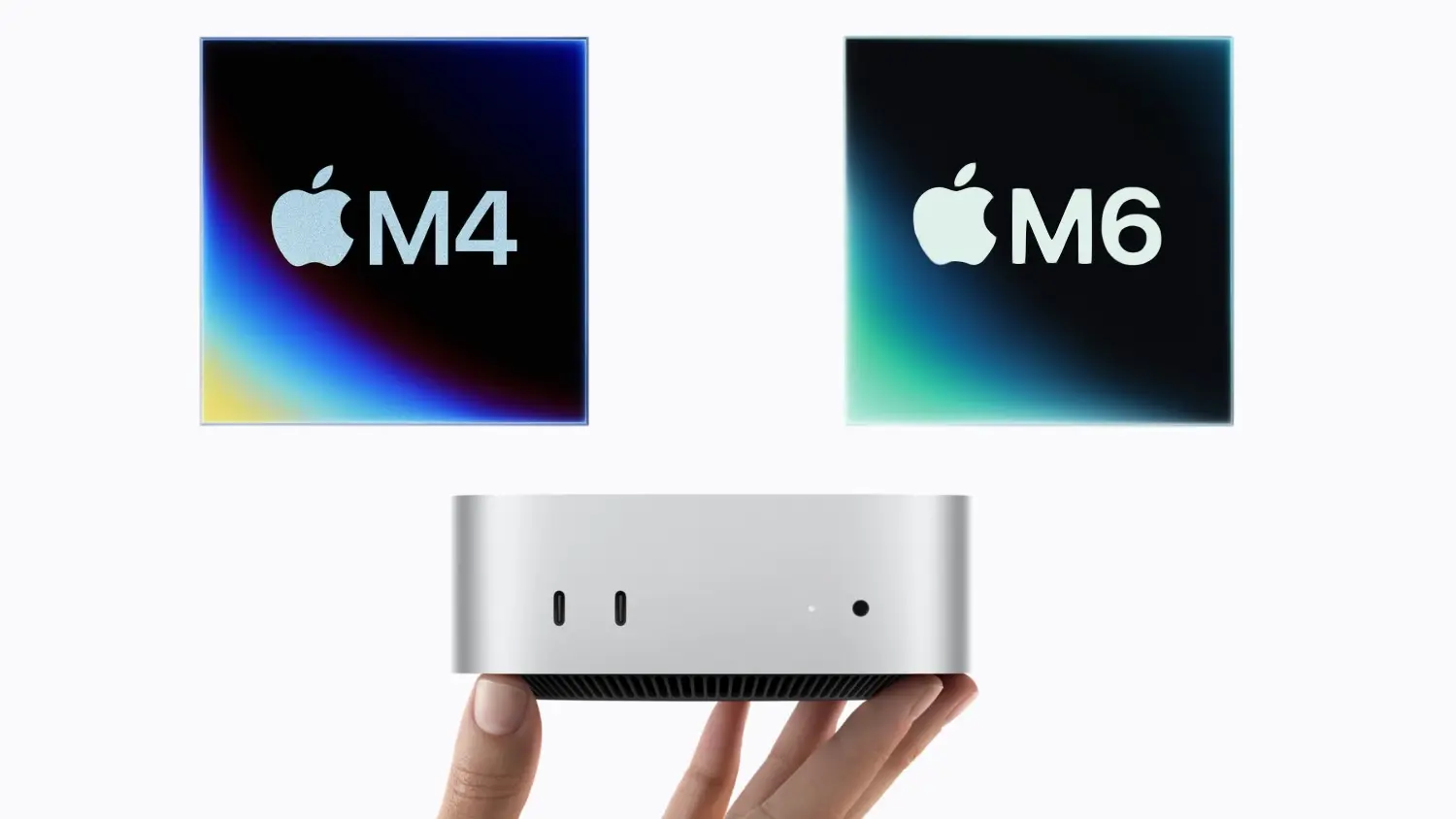
When Mac mini M6 has just arrived, developers will start to think whether upgrading to the M6 really worth it, or is the M4 already good enough?M6 specifically improves in terms of CPU performance, graphics, and AI processing. But that doesn't necessarily mean every developer needs the latest chip.
For people renting a cloud Mac mini, the decision is even more practical.You're not necessarily replacing a computer you own. You're choosing a machine that needs to handle your actual workload.
However, the M6 introduces a newer CPU and GPU design, along with improvements in AI processing and memory bandwidth.
Quick Comparisons:
This shows that the M6 is more powerful, but specifications alone cannot explain how much difference you'll notice.A developer working on a small application may not experience the same benefit as someone compiling large projects or running local AI models.
The important question is whether your workload can actually use the additional performance?
There is also an important detail that you should consider: RAM and storage matters, regardless of which chip you choose.
Example:A Mac mini M6 with 16GB of unified memory may have faster processor than an M4, but both can face memory limitations when running several simulators, applications, or larger local AI models.
That's why comparing the complete configuration is just as important as comparing the chips themselves.
For people renting a cloud Mac mini, the decision is even more practical.You're not necessarily replacing a computer you own. You're choosing a machine that needs to handle your actual workload.
What's Different Between M4 and M6?
For their similarity, both chips use Apple's unified memory architecture and support macOS development workflows.However, the M6 introduces a newer CPU and GPU design, along with improvements in AI processing and memory bandwidth.
Quick Comparisons:
Specification | M4 | M6 |
CPU cores | 10 | 12 |
GPU cores | 10 | 12 |
Neural Engine | 16-core | Dual 16-core |
Memory bandwidth | 120GB/s | Up to 170GB/s |
Local AI capabilities | Supported | Improved acceleration |
This shows that the M6 is more powerful, but specifications alone cannot explain how much difference you'll notice.A developer working on a small application may not experience the same benefit as someone compiling large projects or running local AI models.
The important question is whether your workload can actually use the additional performance?
When the Mac mini M4 Is Still Enough
Up until now, M4 remains a capable development machine eventhough after the release of M6.It can still provide a practical macOS environment for many common tasks.Examples:- Building and testing small to medium-sized iOS applications.
- Running Xcode and development tools.
- Operating CI/CD pipelines with moderate workloads.
- Performing general macOS software testing.
- Accessing a remote macOS desktop.
- Running lightweight, compatible local AI models.
When Will Upgrading to M6 Be a Better Decision
Obvious answer is that when the workload benefits from greater processing performance.If a development team needs to compile large applications, run automated tests, or execute multiple development tasks on the same machine regularly, improvements in processing speed may save meaningful time over weeks or months. Clearer points showing M6 is worth considering:- Larger Xcode projects.
- Frequent compilation and automated testing.
- More demanding development environments.
- Workloads that benefit from improved CPU and GPU performance.
- Compatible local AI applications.
- Teams expecting their computing requirements to grow.
Question: Does more performance mean a better experience?
Although M6 offers improved CPU, GPU, and AI performance, but the difference you actually notice depends on how you use your Mac mini. For everyday macOS tasks, smaller Xcode projects, and occasional builds, the M4 may already provide a smooth experience. Upgrading to M6 might not significantly change how you work. However, the difference becomes more meaningful when you regularly compile larger projects, run multiple development tools, or perform demanding processing tasks.There is also an important detail that you should consider: RAM and storage matters, regardless of which chip you choose.
Example:A Mac mini M6 with 16GB of unified memory may have faster processor than an M4, but both can face memory limitations when running several simulators, applications, or larger local AI models.
That's why comparing the complete configuration is just as important as comparing the chips themselves.