Blog · Guides
Mac mini or Mac Studio in the cloud: which one fits your work?
Memory decides more than the chip. A quick way to pick the right cloud Mac for builds, testing and AI work.
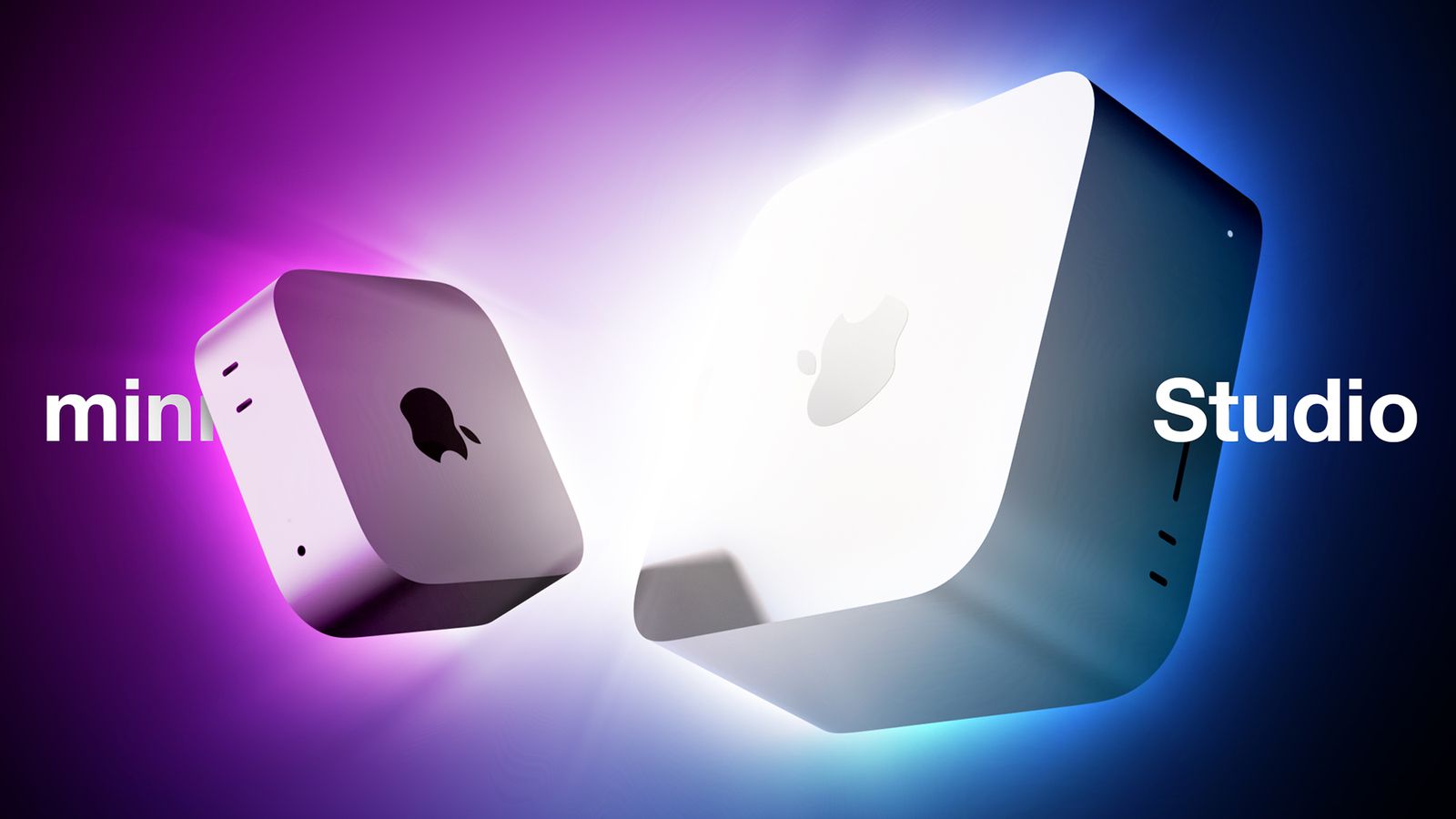
Most teams overthink the chip and underthink memory. On Apple silicon the CPU, GPU and Neural Engine share one pool of unified memory, so the amount of memory decides how many simulators you can run, how big a build cache stays warm and which AI models fit at all.
Pick by workload
| Workload | Good starting point |
|---|---|
| Single app, a few builds a day | Mac mini, 16GB |
| CI runner for a team, parallel UI tests | Mac mini, 24GB |
| Large monorepo, many simulators at once | Mac mini Pro or Mac Studio |
| Running or fine-tuning AI models | Mac Studio with the most memory you can use |
Signs you need to move up
- The Mac starts swapping during builds (Activity Monitor shows memory pressure in yellow or red).
- Builds queue up because one runner can't keep up.
- The model you want to run doesn't load, or runs much slower than expected.
Term matters too
If the workload is steady, a 6- or 12-month term costs noticeably less per month than paying monthly. Start monthly while you measure, then switch terms from your account. The new price applies from your next renewal.